Overview
General information
Europa-Universität Flensburg has several computer labs in different buildings. Most of these labs are reserved for course use.
GOT 010 also features an open computer lab, which is available to all students for their own use.
Floor plans and information about the equipment in the computer labs can be found here.
Computer software
The computer labs offer a wide range of installed software programs which vary by room. These include:
- 7zip
- Citavi
- MikTex (Basic)
- TexNic Center
- Firefox
- Ghostscript
- Notepad++
- PDF24 Creator
- R und -Studio
- Scribus
- MS Office
- VLC
- AMOS
- Geogebra
- Image Resizer
- SPSS
- XMind
Access data
Students need their student ID number and corresponding network username and password to log into the workstation computers.
EUF employees also need a student account to log into the computers for lecturers. This can be requested from the IT Administration (page is in German only).
For further information, see access data or the ZIMT information flyers.

ZIMT-Servicedesk
- zimt-service-PleaseRemoveIncludingDashes-@uni-flensburg.de
- +49 461 805 2112
- Helsinki - HEL 301
- Phone
- +49 461 805 2112
- zimt-service-PleaseRemoveIncludingDashes-@uni-flensburg.de
- Building
- Helsinki
- Room
- HEL 301
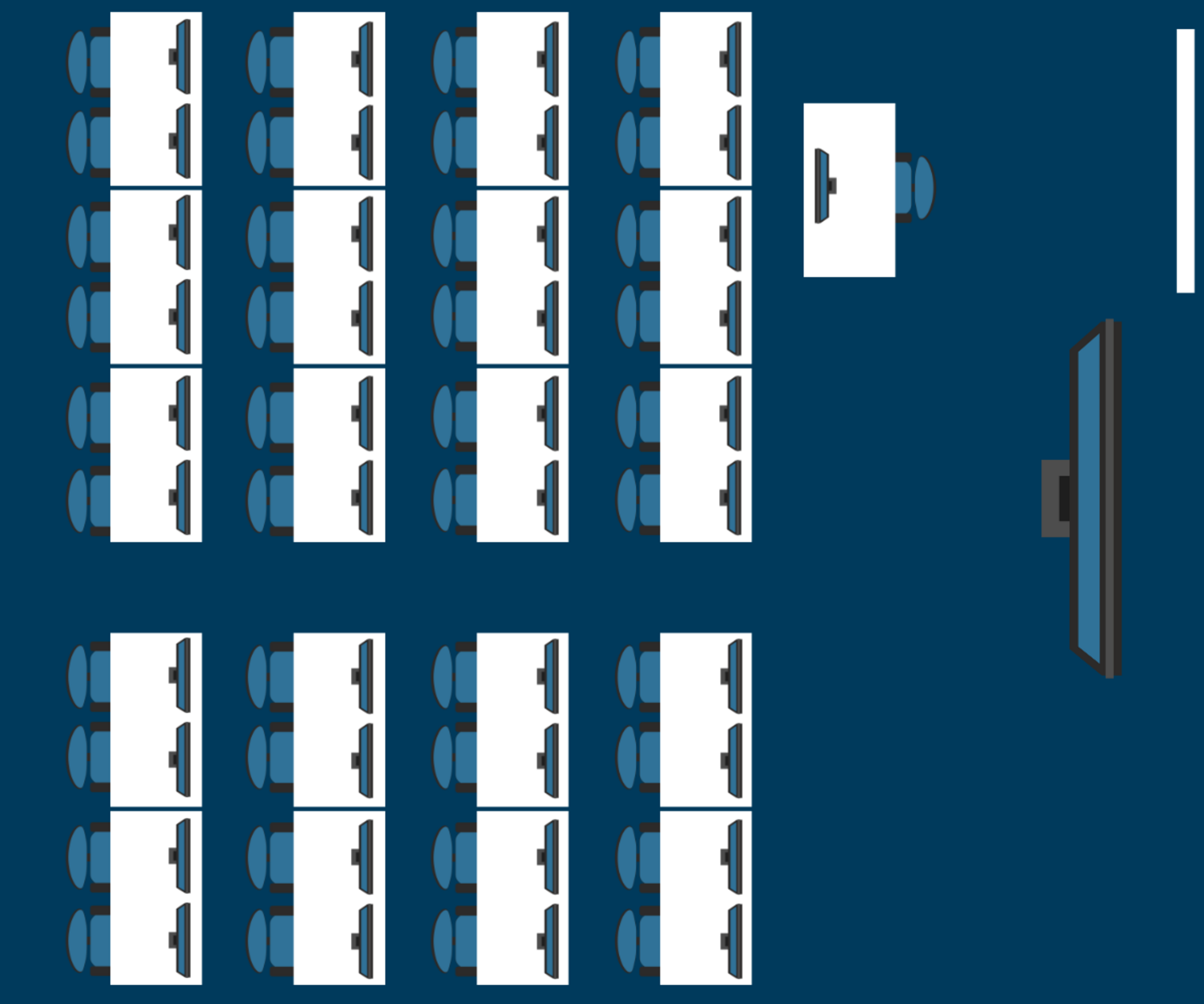
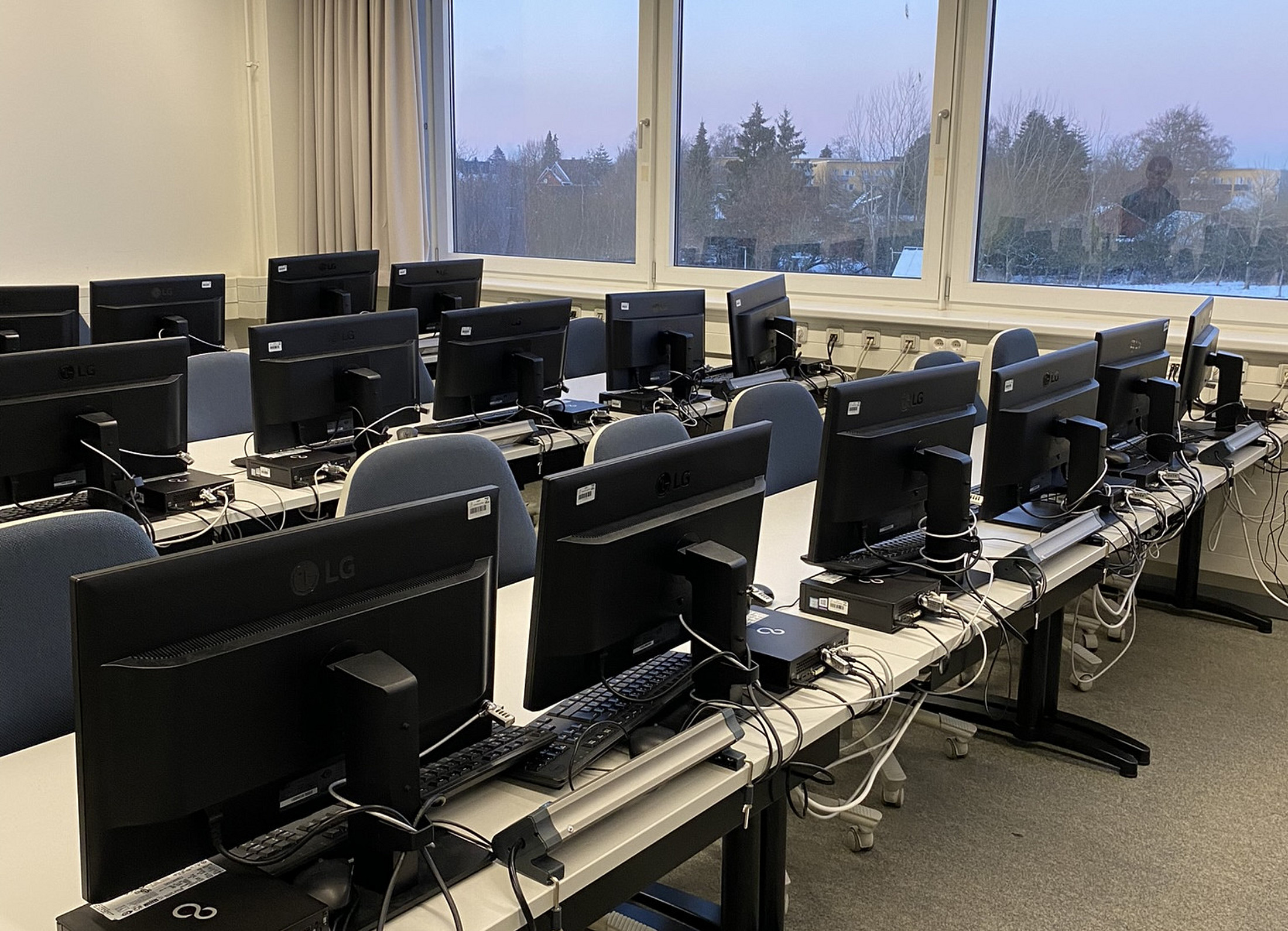
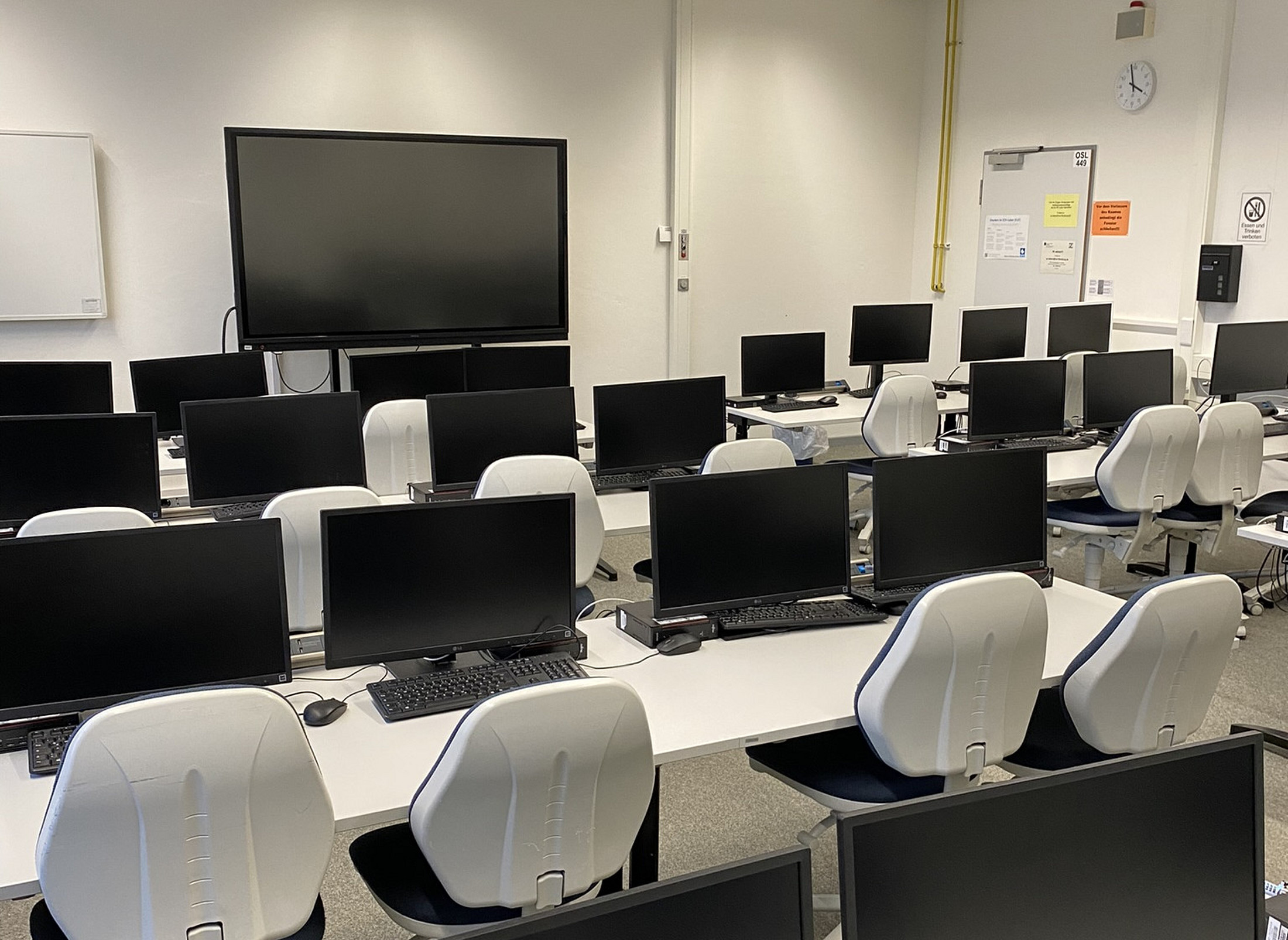
OSL 449
Building Oslo, Room 449
Room OSL 449 is a PC lab for events. EUF employees can book this through “zentrale Raumplanung”
GOT 010 (public)
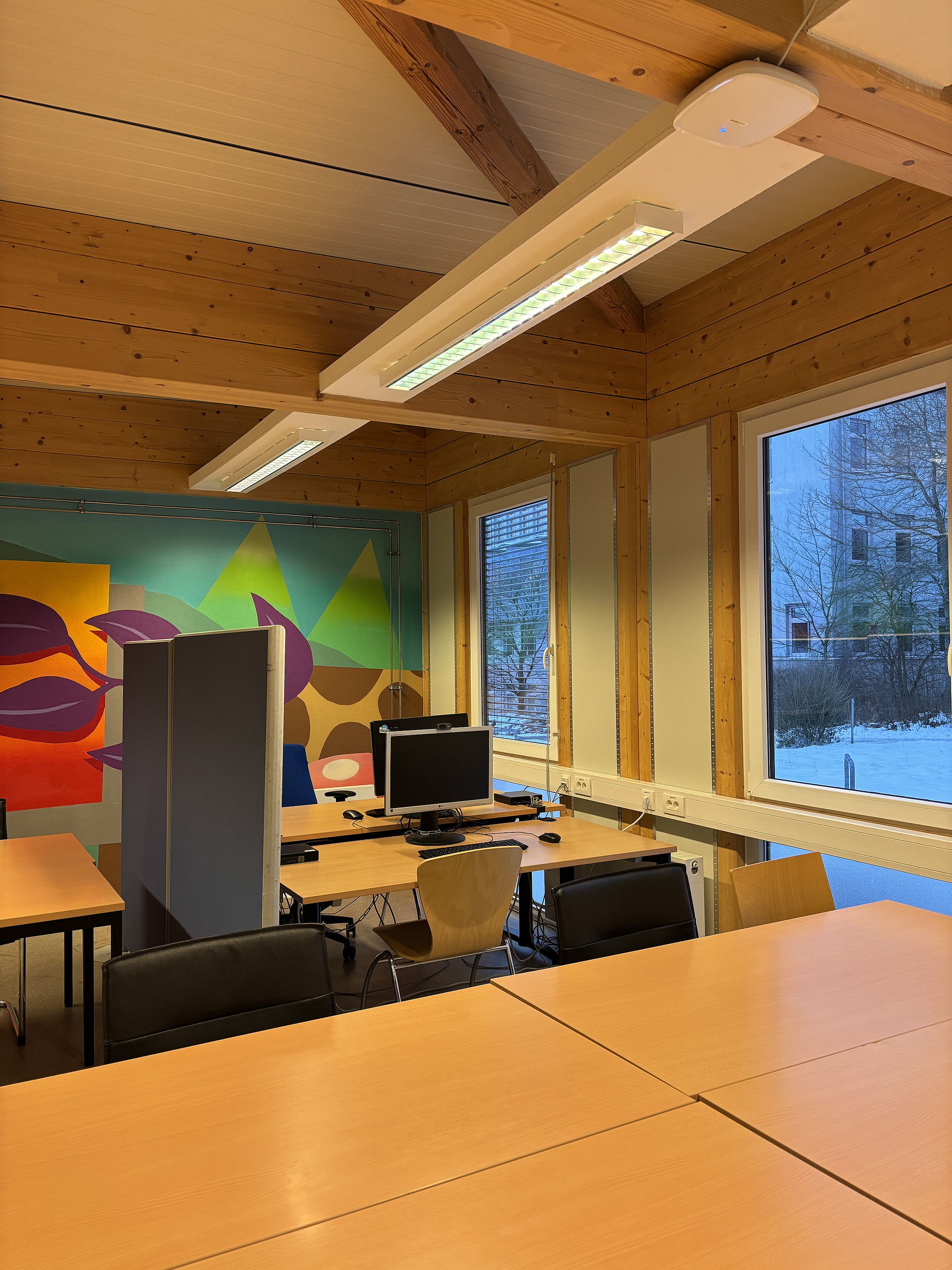
Göteborg Building, Room 010
The computer room in GOT 010 is open to use by everyone during Gothenburg building opening hours.
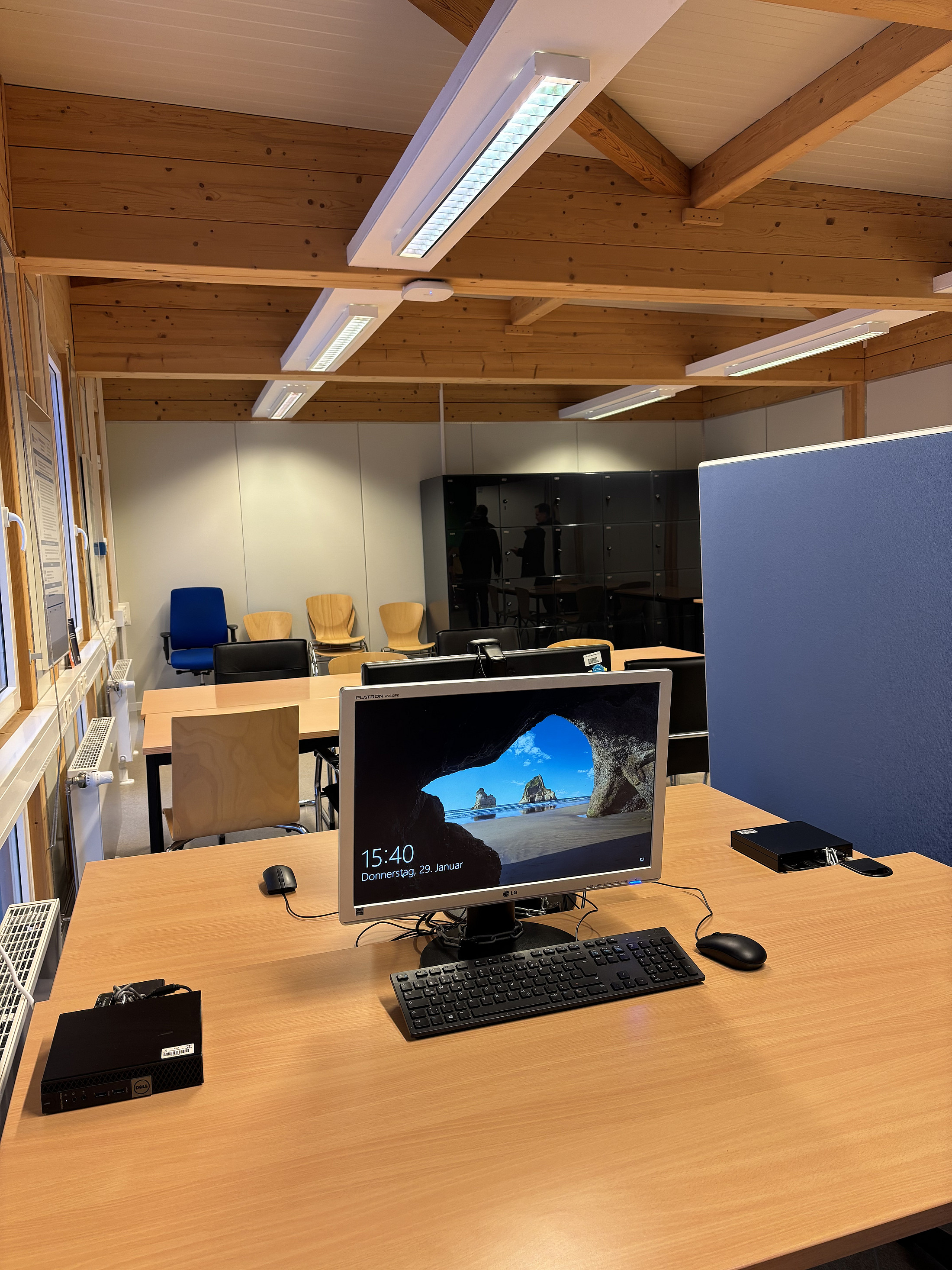
![[Translate to 2-Englisch:] 24 square black lockers in the workroom of the Göteborg 010 building at the Europa-Universität Flensburg](/fileadmin/content/_processed_/4/b/csm_spinde-in-goeteborg-010-2-_ba797cdfc4.jpeg "Lockers in GOT 010")